Steam Market History Helper market history & profit/loss analytics
Store your entire Steam Market history in a SQLite database inside your browser, and analyze 1M+ transactions with 12 interactive charts and 15+ filters. No server — your data never leaves your machine.
Key features
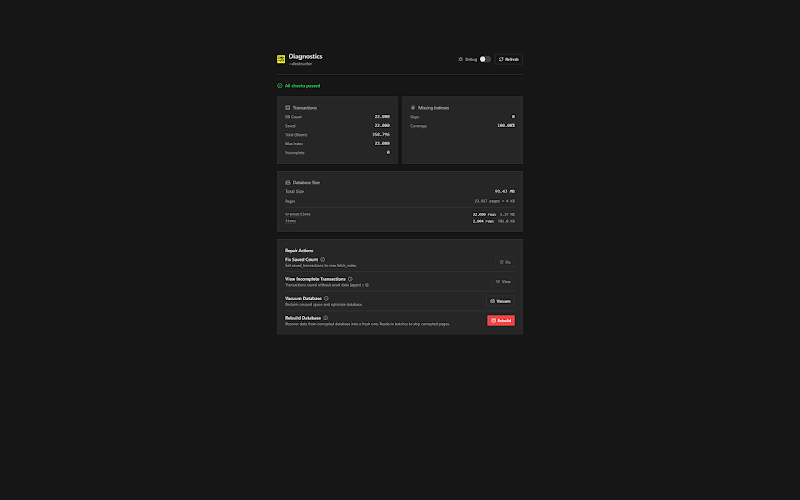
Local SQLite engine
Your whole history lives in a SQLite database in your browser; queries are instant.
1M+ transactions
Handles millions of trades without sacrificing performance.
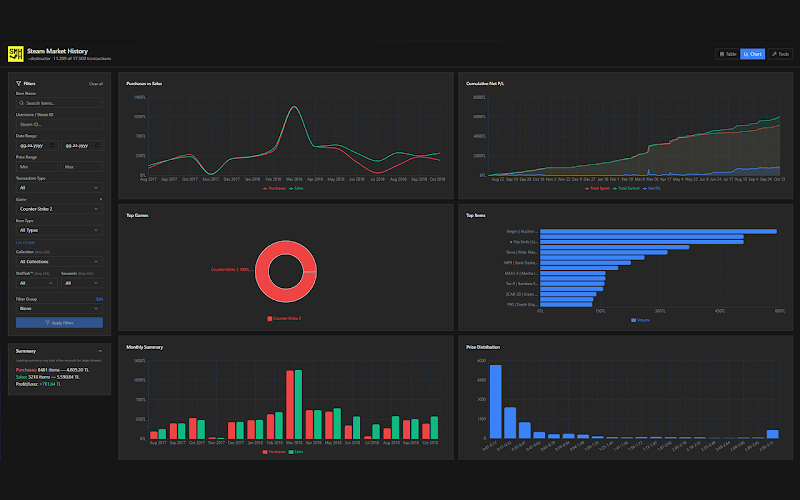
12 interactive charts
Profit/loss, cumulative gains, top games/items, price distribution, activity heatmap and year-over-year — across a 3-tab dashboard.
15+ filters
Sharp filtering by date, game, item type and price range.
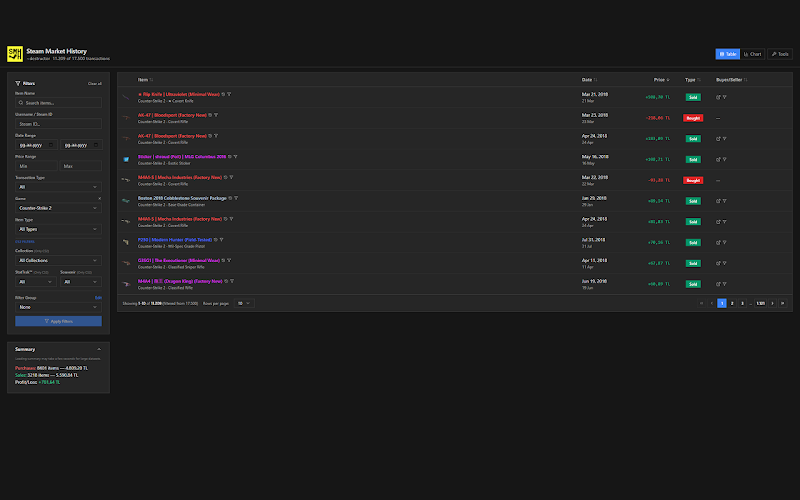
CSV / JSON export
Pull your data out in one click and use it anywhere.
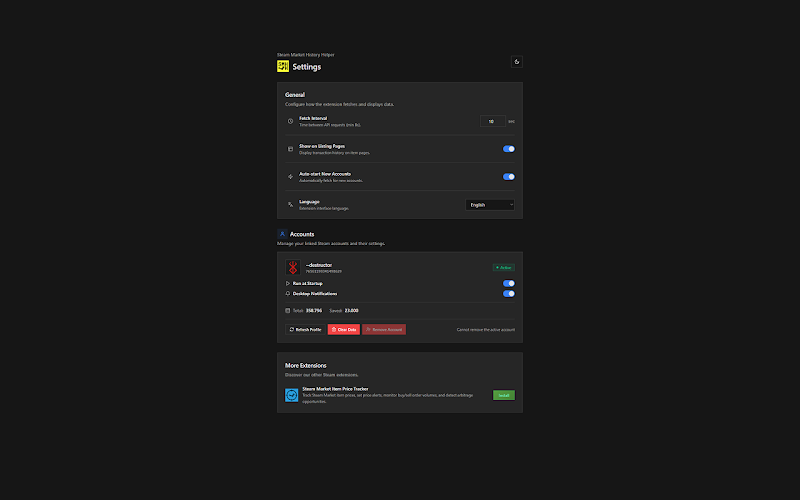
Multi-account
Manage several Steam accounts separately.
1.5GB+ backups
Back up the full database and restore it on another device.
Zero server
No data leaves your machine — everything stays local.
Why History Helper?
| capability | History Helper | Manual (Excel) | Cloud tools |
|---|---|---|---|
| Local SQLite storage | ✓ | — | — |
| 1M+ transaction capacity | ✓ | ◐ | ◐ |
| 12 interactive charts | ✓ | — | ✓ |
| 15+ filters | ✓ | ◐ | ◐ |
| CSV / JSON export | ✓ | ✓ | ◐ |
| Multi-account | ✓ | ◐ | — |
| Sends no data to a server | ✓ | ✓ | — |
| Free | ✓ | ✓ | — |
Step-by-step usage
Install the extension
"Add to Chrome" from the Chrome Web Store. No account or sign-up needed.
Log into Steam
The extension detects your Steam session automatically and starts syncing in the background — no page to open.
Let it sync
Your full history (1M+ transactions) is fetched in the background via your Steam session (every ~10s by default) and written to in-browser SQLite; a progress panel shows status.
Open the dashboard and analyze
Explore 12 charts and 15+ filters; export to CSV/JSON whenever you like.
Questions about this extension
+ How is the SQLite database stored in the browser?
The database lives in your browser's local storage (WASM SQLite over IndexedDB). It comfortably holds 1.5GB+ as long as your disk quota allows; nothing goes to a server.
+ Does performance drop with over a million transactions?
No. Because queries run locally in SQLite, charts and filters respond instantly even at 1M+ transactions.
+ Exactly which charts are included?
There are 12 interactive charts across 3 tabs — including profit/loss time series, cumulative gains, top games/items, price distribution, an activity heatmap and year-over-year comparison.
+ Can I move my data to another device?
Yes. Export the full database as a backup and restore it on another device.
+ What does the CSV / JSON export include?
Your filtered or full transaction set, with date, item, price, commission and net amount fields.
+ Does data get mixed up across multiple accounts?
No. Each Steam account's history is kept separate; you switch freely between accounts.
Ready?
Install in one click — the rest stays in your browser.