Steam Market Item Price Tracker price alerts & arbitrage calculator
Set a target price for any item, and with 6 alarm types and a live arbitrage calculator see the commission-adjusted net profit instantly. Get a desktop notification when the target hits.
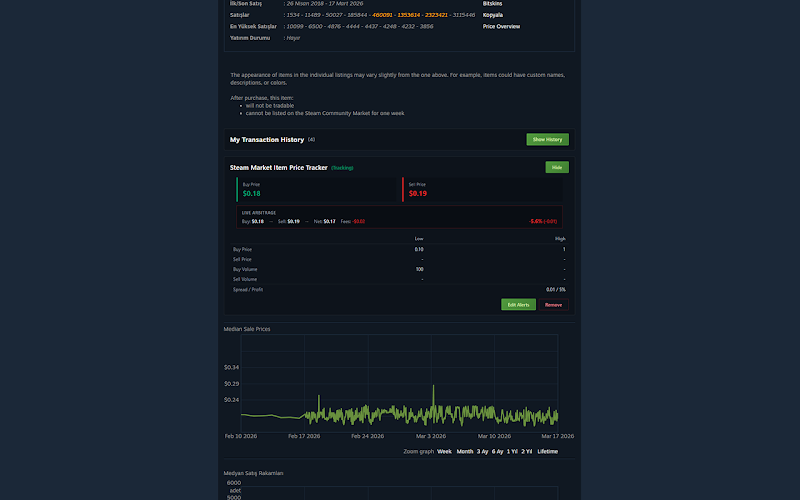
Key features
6 alarm types
Drop below/rise above target, percent change and custom thresholds.
Live arbitrage calculator
Computes the buy/sell spread in real time.
Commission breakdown
Shows the net profit after Steam's commission is deducted.
Desktop notifications
Get an instant browser notification when the target hits.
Multi-item tracking
Watch as many items as you like, all at once.
Zero server
Your watchlist and settings stay only in your browser.
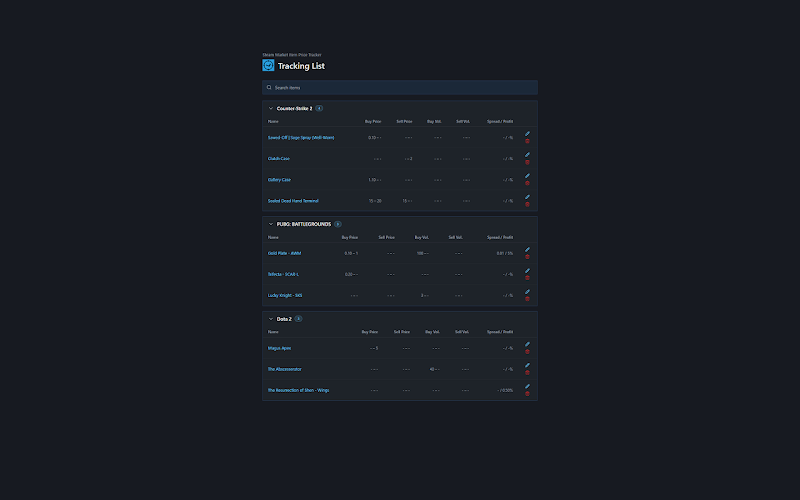
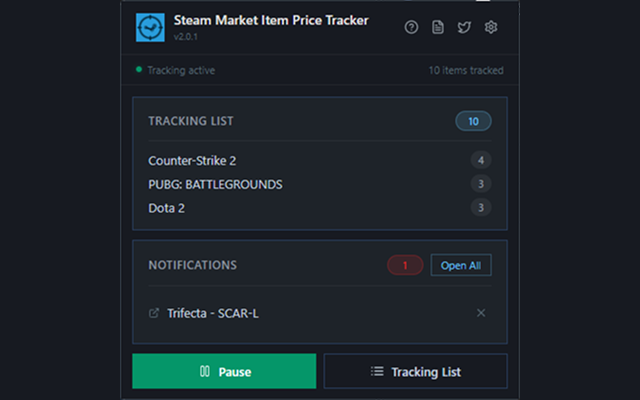
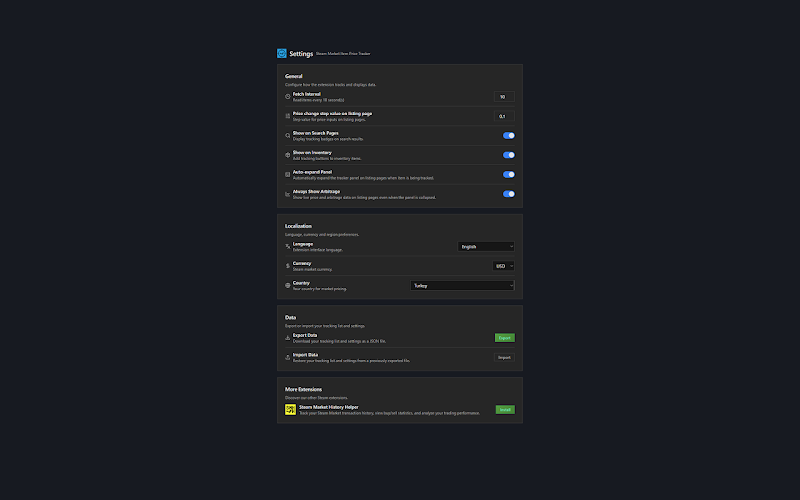
Step-by-step usage
Install the extension
"Add to Chrome" and approve the permissions.
Open an item, click the tracker icon
Open the tracker on any market item page.
Set a target price + alarm type
Choose one of 6 alarm types and set your threshold.
Get notified, see arbitrage
When the target hits you get a desktop notification and a live arbitrage calculation.
Questions about this extension
+ What exactly are the 6 alarm types?
They cover dropping below the target, rising above it, percent change, lowest/highest price and a custom threshold.
+ How does the arbitrage calculator handle Steam's commission?
It deducts the Steam Market commission automatically and shows you the net amount you'll actually receive.
+ Do notifications arrive when the browser is closed?
Notifications run in the background while Chrome is open; they won't arrive when the browser is fully closed.
+ How many items can I track at once?
There's no practical limit; add as many items as you want.
+ How often are prices updated?
Tracked items are checked at regular intervals; the moment a threshold is met the notification fires.
Ready?
Install in one click — the rest stays in your browser.